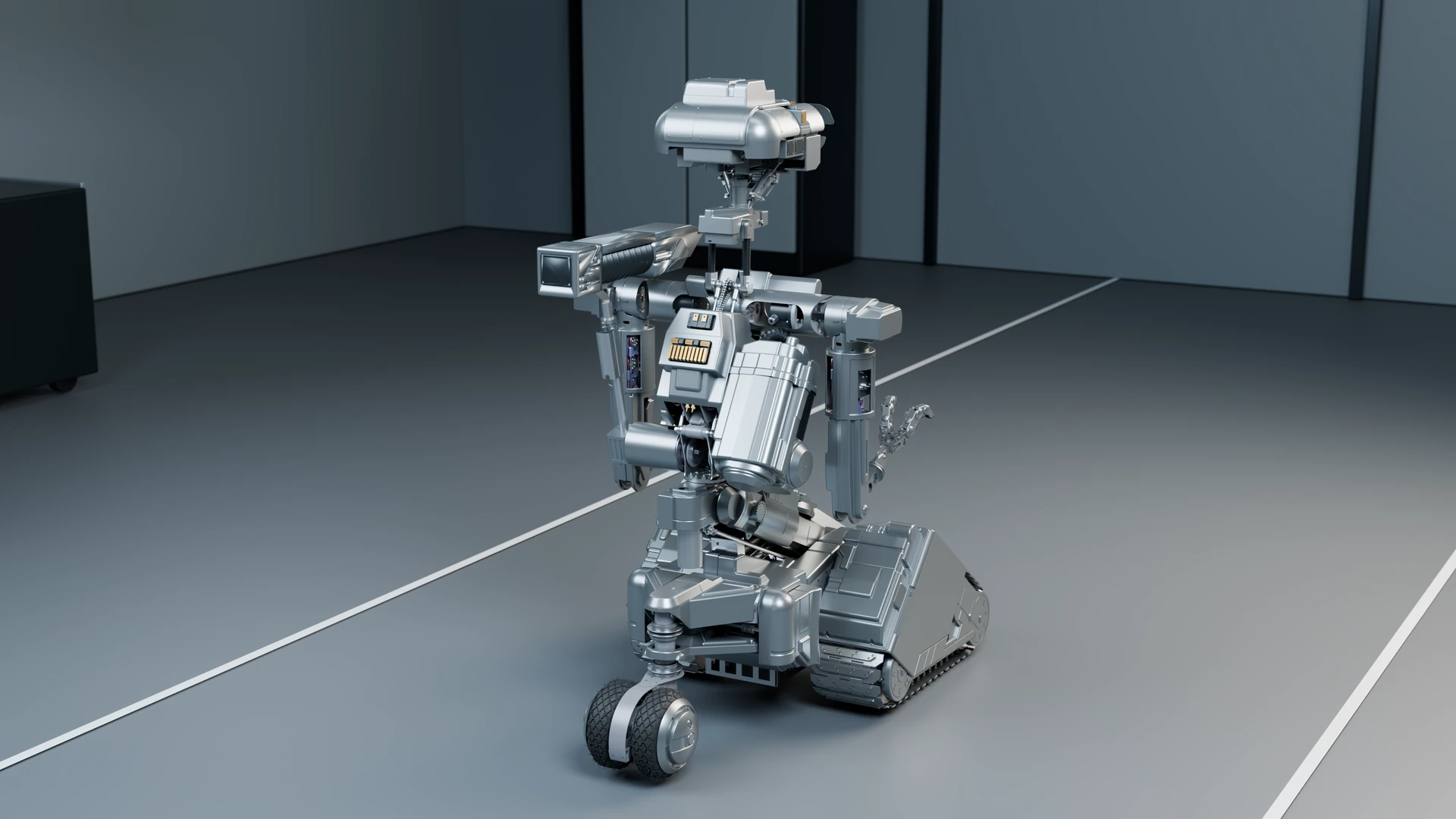
Published on · Simone Renzi
From model acquisition to the November 2026 revisions
Work statusDigital assembly available and under revision; physical assembly and production qualification remain ahead.
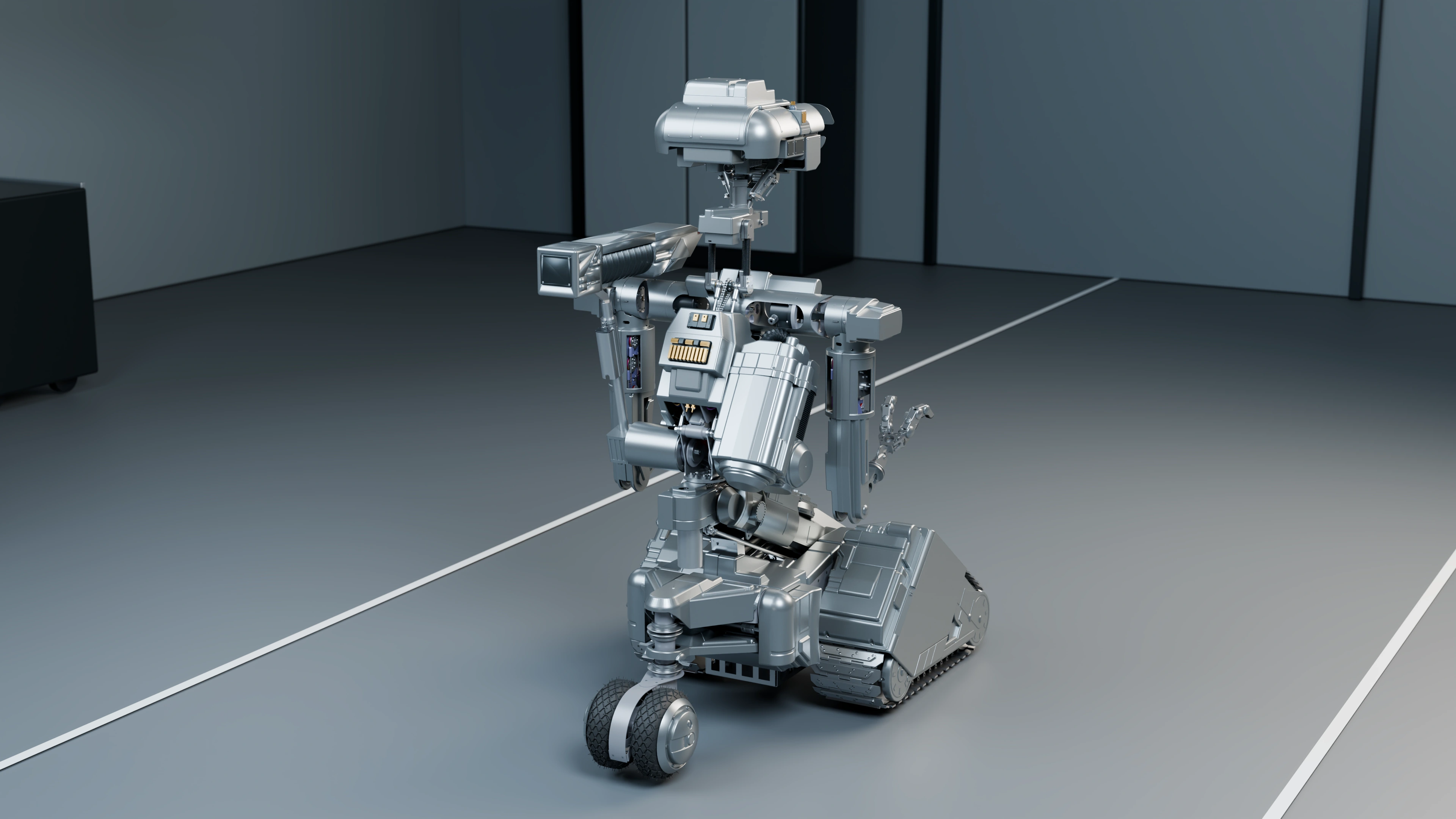
01 / CAD assembly
From files to an understandable assembly
My first objective was to reconstruct an understandable Numero 5 assembly in Autodesk Fusion. Importing a complete shape is not enough: individual components must remain identifiable, their group membership must be understood, and the references defining their positions and orientations must be preserved.
In the archive, I keep conversion work, subassemblies, main assembly and subsequent checks separate. Head, neck, torso, arms, hands and base can therefore be examined individually before checking the complete model again.
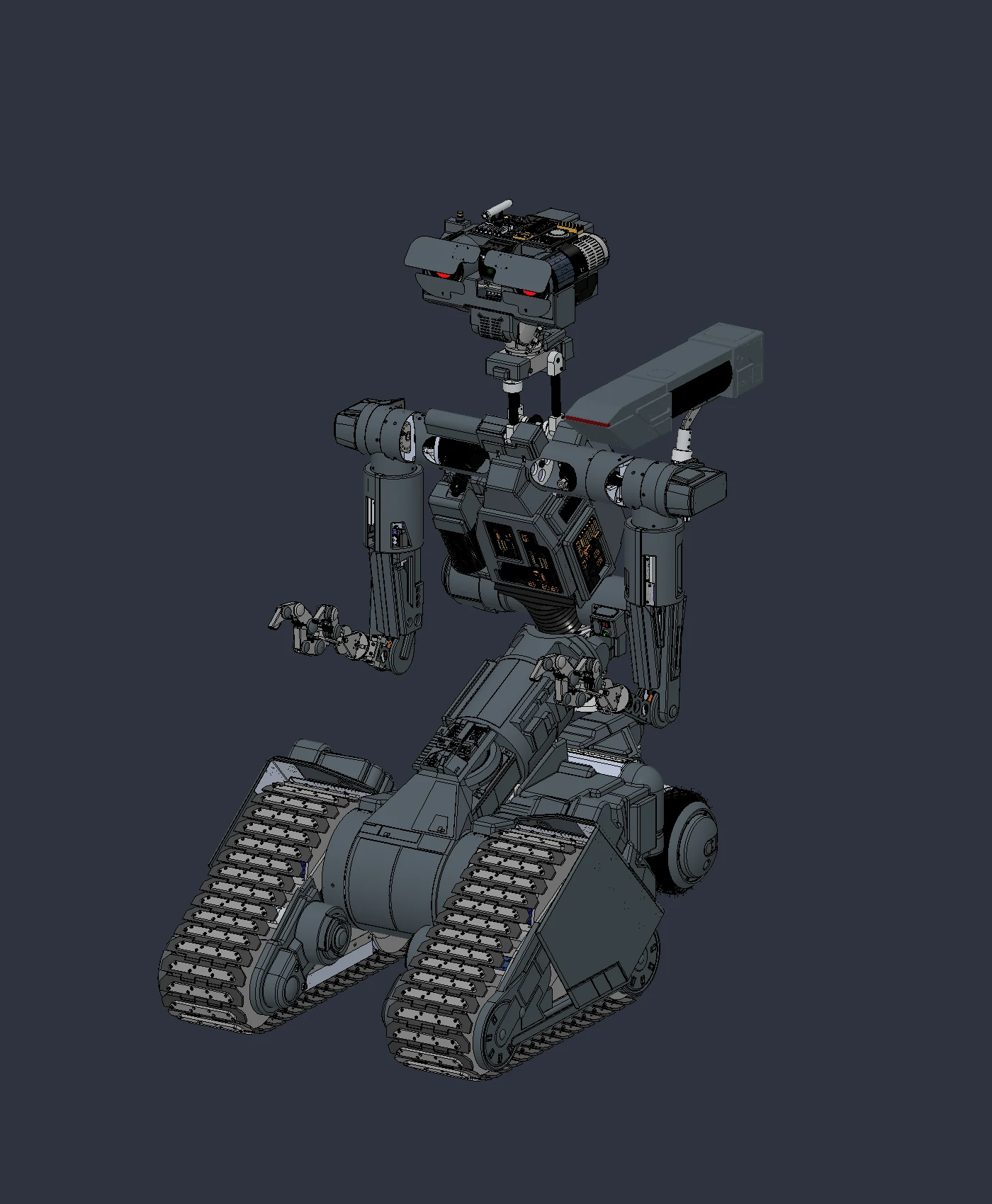
02 / CAD assembly
Preserving the meaning of configurations
The OpenSAINT foundation contains configurations and properties that distinguish geometric variants and commercial components. During conversion, I had to compare what appeared in Fusion with the original references, avoiding the assumption that a simplified representation or another variant was the final part.
This comparison also covered fasteners, open surfaces, meshes and repeated parts. An assembly can look complete on screen while still containing a duplicated screw, the wrong configuration or geometry unsuitable for export.
03 / CAD assembly
Positioning and constraining are different tasks
In the project, rigid groups and joints describe which elements remain fixed together and which can move. Alongside neutral-pose checks, I carried out local mechanism tests: when a forearm rotates, the transmission components belonging to it must follow.
The body count is not the count of purchasable parts, motors or degrees of freedom. I therefore tie each count to its revision and check type, rather than treating it as a manufacturing bill of materials.
04 / CAD assembly
Save, reopen, compare
I also check revisions after reopening the file. U11 retained 9,423 bodies; with Jetson integration, U12 R2 records 9,476. The later U12 R3 retains that count and includes the rear-cover repair. These are distinct development states, not interchangeable numbers.
05 / CAD assembly
The result and the next step
I now have a working foundation for comparing modifications, envelopes and movement. Global kinematic verification remains open: in U13, I am addressing right-arm constraint reconstruction in a separate copy. The digital assembly guides the build, but does not replace testing physical parts.
Documentation and references
For this account, I draw on project records, Fusion revisions and the checks described in the text. CAD views document their respective stages of development.